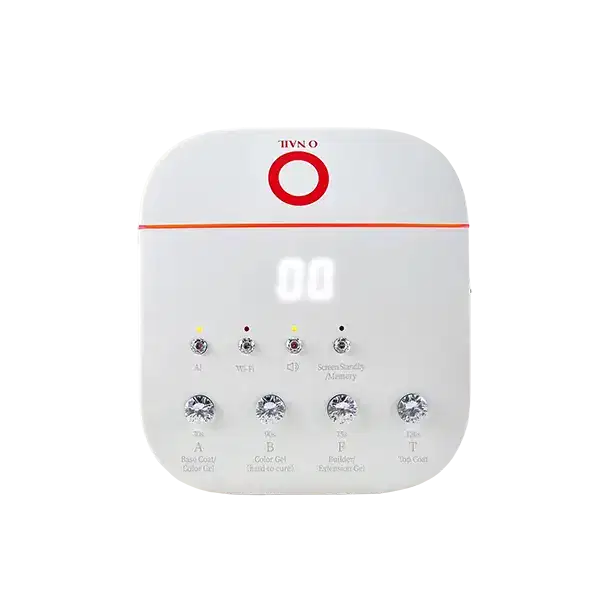
A refined remote accessory designed to keep O NAIL lamp control beautifully within reach.
✦ Seamless Control for Gel Services
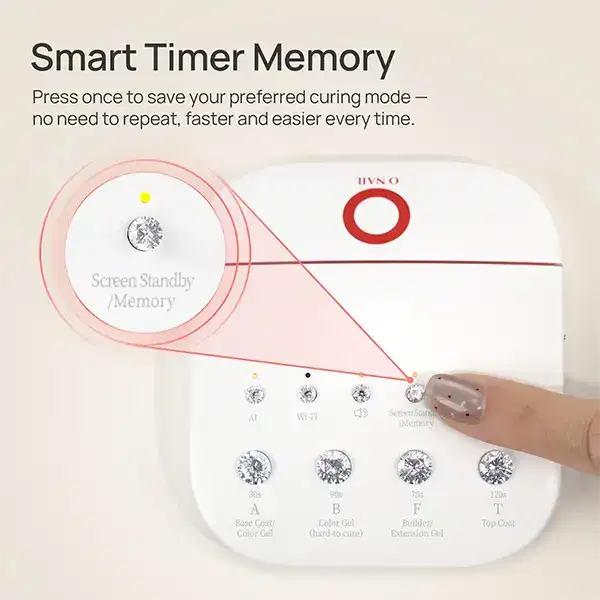
ONAIL Remote Controller Dedicated For Manicure Machine is a wireless keyboard accessory made for O NAIL AI nail lamps, including the SUNX PRO and SUNX PRO MAX. Designed for salon-style flow, it lets you manage gel-type timer selections, AI and Non-AI mode timing, volume, screen standby, and memory settings without relying only on the lamp’s main controls.
Compact and lightweight at 85 mm × 94 mm × 21 mm and 93 g, this rechargeable remote features USB Type-C charging with a built-in 3.7 V / 1000 mAh battery. Its one-to-one factory pairing is designed for a single main unit, making it a polished addition for organized manicure stations and focused nail services.
✦ Thoughtful Features for Nail Stations
✦ Dedicated Lamp Accessory Made for O NAIL AI nail lamps, with manufacturer-listed compatibility for SUNX PRO and SUNX PRO MAX.
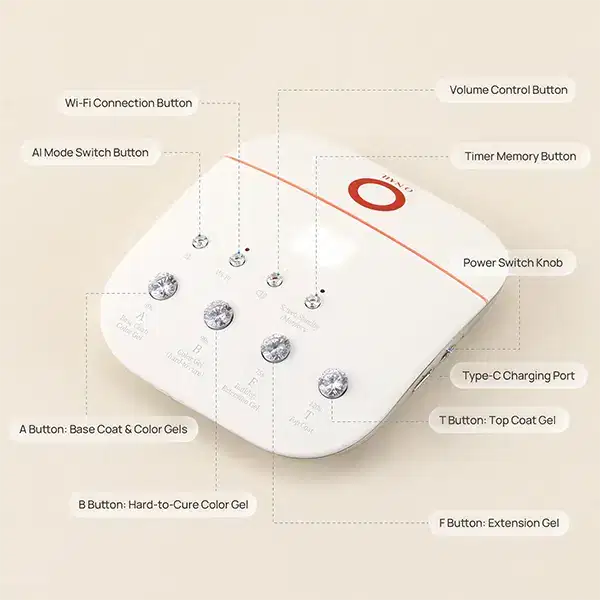
✦ Gel-Type Timer Buttons A, B, F, and T buttons correspond to base or regular color, hard-to-cure color, builder or extension gel, and top coat timing.
✦ AI and Non-AI Mode Timing Presets are mapped to documented AI and Non-AI durations, helping keep lamp control clear during different gel services.
✦ Rechargeable Convenience Charges through USB Type-C input at 5V/1A and includes a built-in 3.7 V / 1000 mAh battery for cordless use.
✦ Salon-Friendly Settings Volume adjustment offers five levels, including mute, while screen standby options help suit the pace of your station.
✦ One-to-One Pairing The remote is designed to pair with a single main unit, helping reduce accidental cross-control in multi-lamp setups.
✦ Key Product Details
Product Type Wireless remote keyboard accessory for compatible O NAIL AI manicure lamps.
Charging Format USB Type-C charging input with 5V/1A power requirement.
Compact Size Manufacturer-listed dimensions are 85 mm × 94 mm × 21 mm, with a weight of 93 g.
Box Contents Includes one wireless keyboard remote and one scan code card for the instruction manual.
✦ How to Use
- 01 Charge the remote using a USB Type-C connection with 5V/1A input before setting up your manicure station.
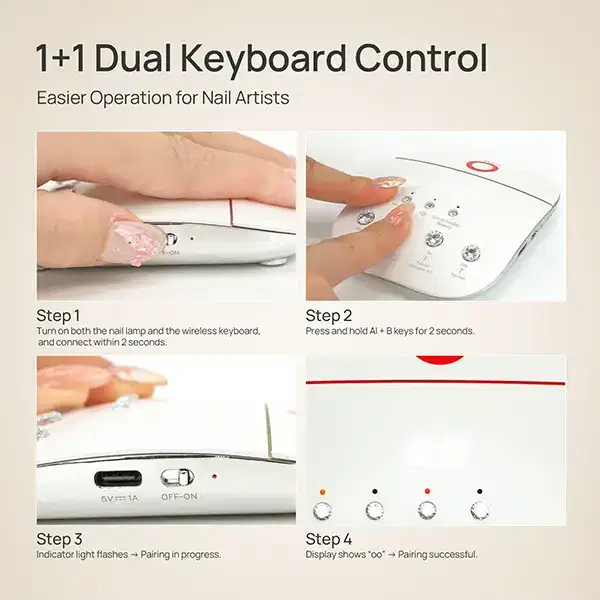
- 02 With the manicure machine turned off, turn on the controller and follow the pairing-button sequence shown in the manual until the pairing indicator flashes rapidly.
- 03 Power on the manicure machine within the pairing window; successful pairing is shown when the remote display briefly indicates the confirmation described in the manual.
- 04 Select A, B, F, or T timer buttons as needed for your gel service, adjust volume or standby settings, and keep the remote dry between uses.